Contact Name Display Settings
- Updated on Jul 1, 2026
- Published on Jul 28, 2025
- 1 minute(s) read
Applicable to End Users
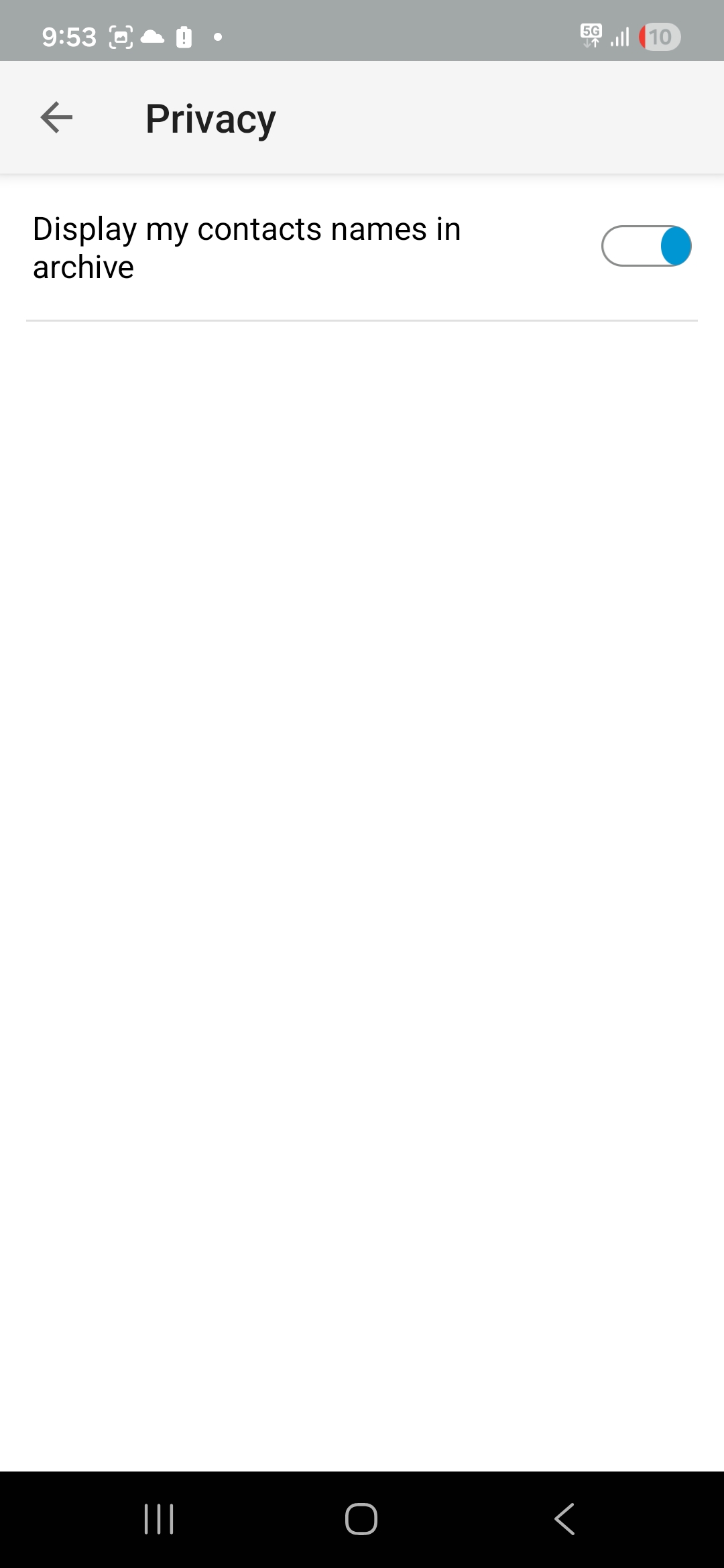
In Android devices, privacy settings allow you to choose to hide or display your names in the archive. To set this:
In the main screen, tap the Settings icon.
Tap Privacy.
Toggle the Display my contacts names in archive option to hide or display your contacts names in the archive.